Context Engineering Is a Team Sport

Ask your PM and your lead dev to describe the sprint goals. If you get two different answers, no amount of CLAUDE.md magic will save you. Context engineering is a team sport — here's how every role plays.
Part 3 of 6 in the "Context Engineering in 2026" series
Here's a fun experiment. Ask your PM to describe the current sprint goals in 60 seconds. Now ask your lead developer the same question. If you get two different answers — congratulations, you just discovered your first context engineering problem. And no amount of CLAUDE.md wizardry in your IDE is going to fix it.
Part 1 and part 2 of this series covered the "what" and the "how" of context engineering for individual developers. This post is about what happens when you zoom out. Because the dirty secret of every solo dev context engineering setup is this: it only optimizes one node in a multi-node system. Your AI knows your coding standards perfectly. It has no idea what the PM agreed to in yesterday's stakeholder call, what edge cases QA discovered last sprint, or why the solution architect rejected that database schema two months ago.
Context engineering is a team sport. Or it's a hobby.
The Four Pillars (For Teams, Not Just Code)
Let's establish a framework. Effective context engineering for a team rests on four pillars. If any one is missing, the whole thing wobbles.
Domain & Background — What does the AI need to know about your project, your business rules, your client's industry, and your constraints? This is the foundational knowledge that makes everything else possible. For a developer, this is your tech stack and architecture. For the team, it's the why behind the project — the business logic, the user personas, the compliance requirements.
Clear Examples — One-shot and few-shot demonstrations showing desired output format and style. For a developer, this might be "here's how we write API handlers." For a PM, it's "here's what a sprint summary should look like." For QA, it's "here's our test case format." Examples teach the AI the how behind your requirements, and they're worth more than paragraphs of description.
Defined Constraints — What NOT to do. Format requirements, style guides, negative instructions. Constraints create guardrails that keep outputs on track. For the team, this includes security rules, compliance boundaries, and client-specific restrictions.
Structured Information — Files, templates, and artifacts organized for optimal AI understanding and team reuse. This is the infrastructure layer — not a random collection of documents, but a deliberately structured system that any role can query and contribute to.

Role by Role: Who Contributes What, Who Consumes What
This is the section nobody else has written. Every context engineering guide assumes the reader is a developer. But in any real project, the developer is one of at least four roles that both produce and consume context. Here's how each role fits:
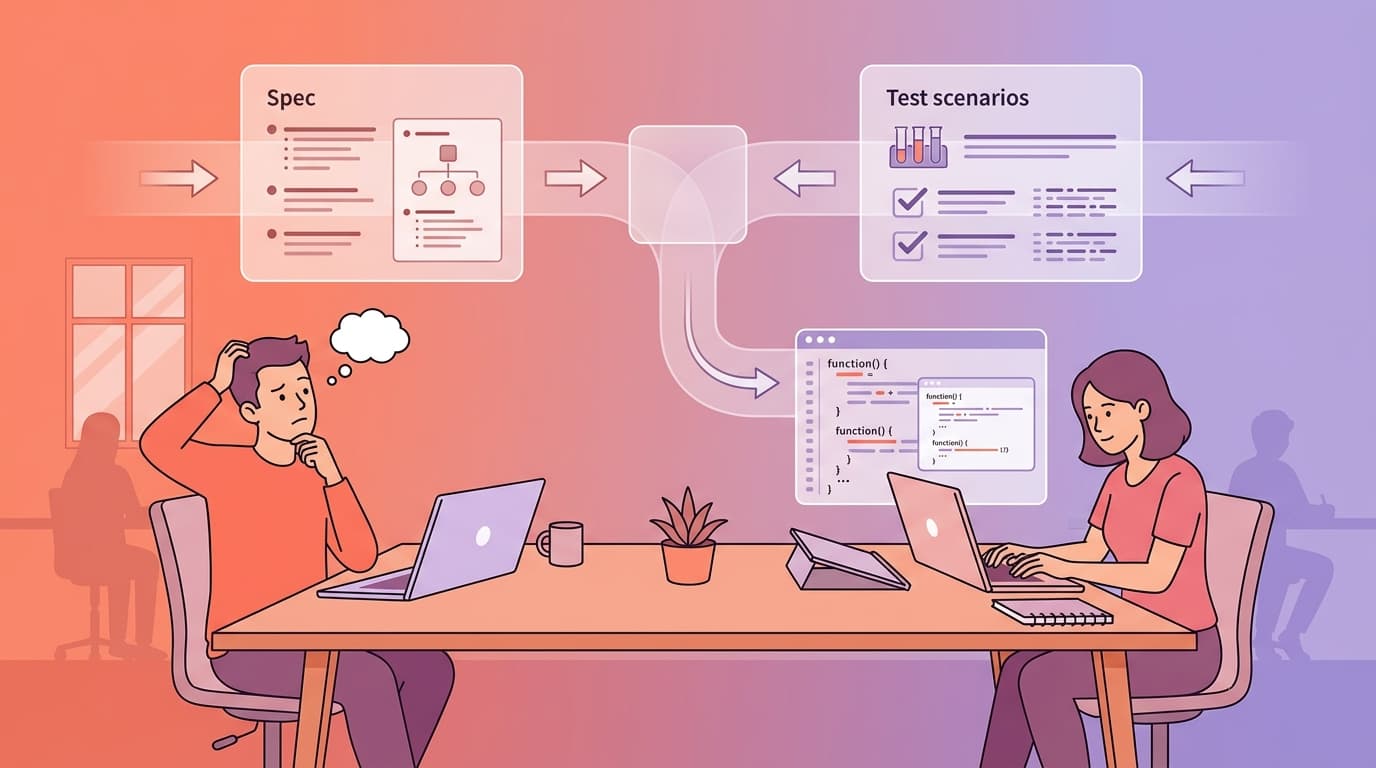
Developer
Contributes: Context seed files (CLAUDE.md, AGENTS.md), code patterns, implementation decisions, technical constraints, component documentation.
Consumes: Specs from PM, test scenarios from QA, architectural decisions from SA, acceptance criteria from stakeholders.
How context engineering helps: AI pair-coding that actually understands the project. Instead of explaining the architecture every session, the AI reads the seed file. Instead of guessing at requirements, the AI reads the spec. The shift from "writing code" to "reviewing and refining AI-generated code" is real — teams report 30-40% time savings on implementation phases, with quality metrics (static warnings, test coverage, mutation scores) either maintained or improved.
What it looks like in practice: A developer picks up a Jira ticket. Instead of reading the ticket, reading the spec, reading the architecture docs, and then writing code — the AI reads all of that context from structured files, generates a plan, and proposes an implementation. The developer reviews, adjusts, and approves. Effort moves from execution to orchestration.
Project Manager
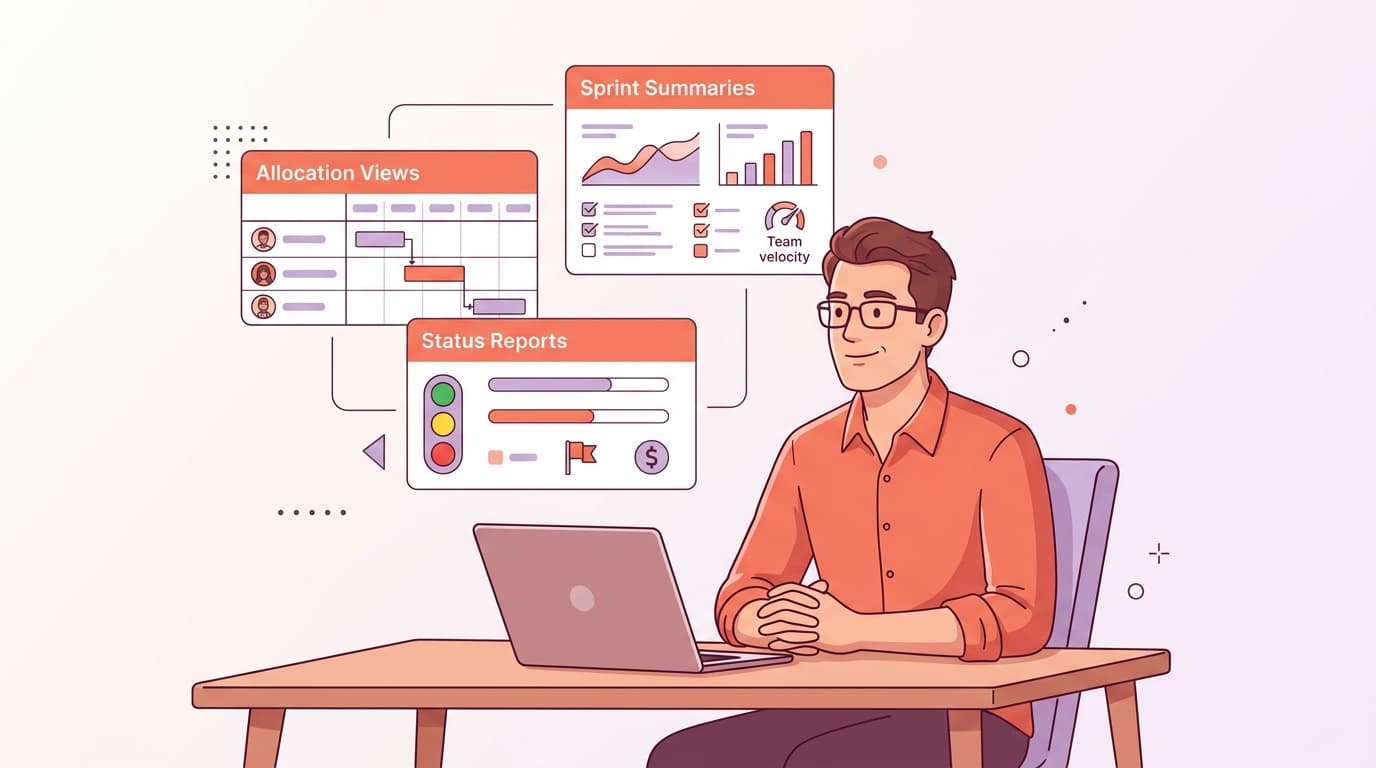
Contributes: Sprint goals, stakeholder decisions, acceptance criteria, prioritization context, project history ("we tried X in Sprint 4 and it failed because Y"), resource constraints.
Consumes: Sprint summaries, status reports, bug tables, progress dashboards, cost reports, allocation views.
How context engineering helps: This is where the "effectiveness over excellence" principle really kicks in. A PM doesn't need AI to write perfect code — they need AI to handle the repetitive knowledge work that eats their calendar: formatting status reports, compiling sprint metrics, summarizing meeting notes, building progress dashboards, tracking which tickets are blocked and why.
When a PM maintains a structured project context document (sprint goals, key decisions, known risks, client preferences), the AI can generate a weekly status report in 5 minutes that would otherwise take 2-3 hours of manual compilation. The trick is that the context document IS the value — not the generated report. The PM's domain knowledge, captured in structured form, becomes reusable across dozens of AI interactions.
What it looks like in practice: PM maintains a project-context.md that captures sprint goals, stakeholder decisions, and known constraints. When they need a status report, they feed this context plus raw Jira data to the AI. The output arrives formatted to the client's preferred template, referencing the right terminology, and highlighting the risks the PM flagged as important. Is it perfect? No — but it's an 80% draft that takes 10 minutes to polish instead of building from scratch.
QA / Tester
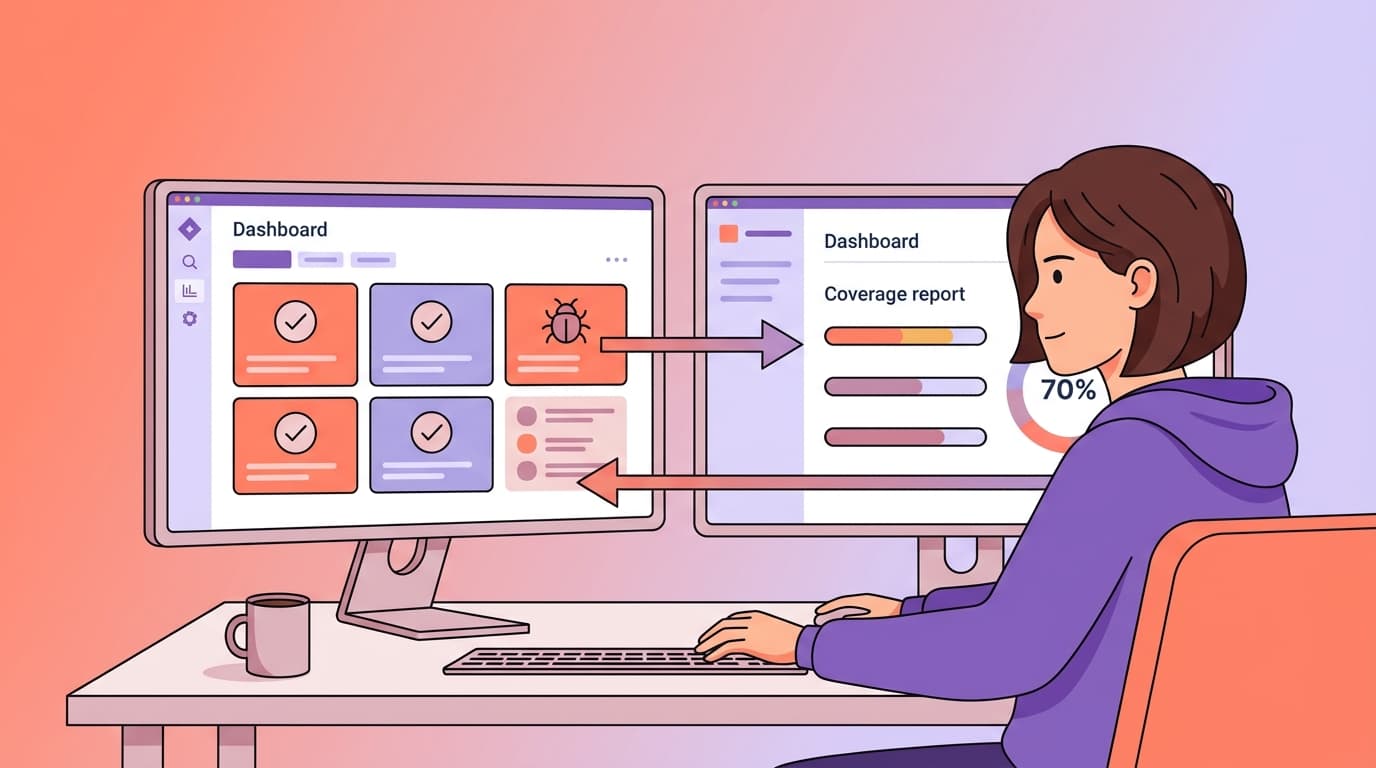
Contributes: Test scenarios, edge cases discovered during testing, acceptance criteria validation, regression test suites, coverage requirements.
Consumes: Specs to generate test cases from, coverage reports, test automation scripts, defect analysis.
How context engineering helps: This is the feedback loop that most teams completely miss. QA writes test scenarios → the AI generates unit tests mapped 1:1 to those scenarios → the reviewer checks that every QA scenario has a corresponding test → coverage reports are generated automatically. It's a bidirectional flow: QA defines what to test, the AI helps generate how to test it, and the results flow back to QA for validation.
The key insight: testers spend less time writing obvious test cases and more time on edge case discovery and test strategy. AI handles the happy-path test boilerplate. Humans handle the "what happens when the user submits a form with emoji in the phone number field at exactly midnight during a timezone change" scenarios that require creative thinking.
What it looks like in practice: QA writes test scenarios in a structured format (feature description, preconditions, steps, expected results). The AI reads these scenarios plus the project context and generates test scripts — complete with edge cases suggested by the AI based on the domain context. QA reviews, adds the edge cases the AI missed (there are always some), and the final suite becomes part of the project's test context for future iterations.
Solution Architect / Tech Lead
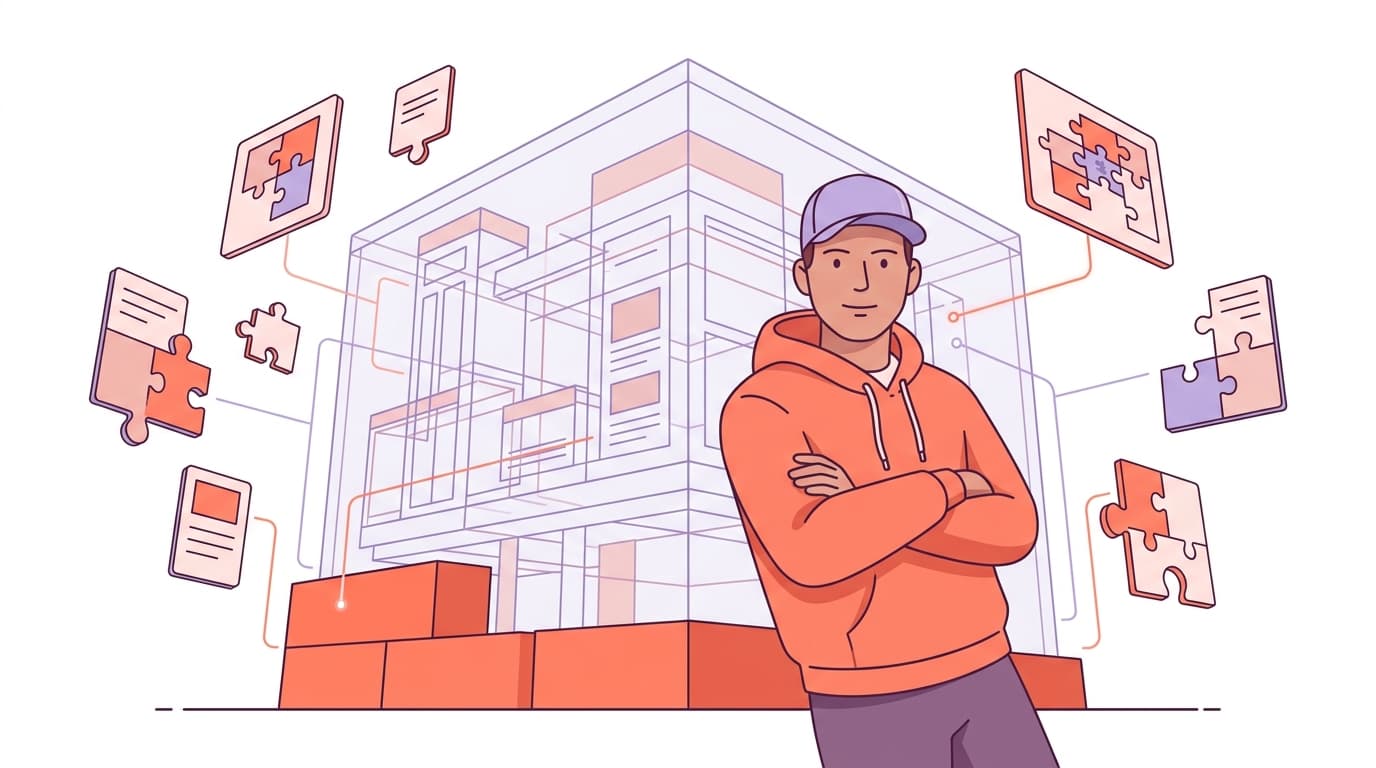
Contributes: Architecture decisions, technology constraints, integration patterns, performance requirements, the project "constitution" — the non-negotiable rules that every piece of code must respect.
Consumes: Codebase analysis, dependency reports, architecture compliance checks, migration assessments.
How context engineering helps: The concept of a project "constitution" — borrowed from GitHub's Spec-Kit framework — is particularly powerful for the SA role. A constitution is a document that captures the project's governing principles: technology choices and their rationale, architectural patterns, compliance requirements, client-specific constraints. Every AI interaction in the project must respect these principles.
For outsourcing teams where the SA might be involved in 2-3 projects simultaneously, this is a lifesaver. Each project's constitution captures the client's specific rules and constraints. When the SA switches context from a fintech project (strict compliance, no third-party data processing) to a media project (performance-focused, CDN-heavy), the AI adapts its behavior because it's reading a different constitution.
What it looks like in practice: SA defines the constitution at project kickoff. When a developer asks the AI to implement a feature, the AI reads the constitution first: "This project uses event-driven architecture. All inter-service communication goes through the message bus. Direct service-to-service HTTP calls are prohibited." The developer never even knows the constraint was enforced — the AI just does the right thing from the start.
DevOps
Contributes: CI/CD pipeline context, deployment configurations, environment specifications, release process documentation.
Consumes: Changelog generation, release notes, deployment validations, infrastructure-as-code generation.
How context engineering helps: When the team maintains structured records of every feature and bug fix — including the reasoning, the plan, and the review results — DevOps can generate release notes and changelogs automatically from those records. No more "what went into this release?" archaeology. The context is already there, structured and machine-readable.
The Artifact-Driven Workflow: Context as Files, Not Chat History
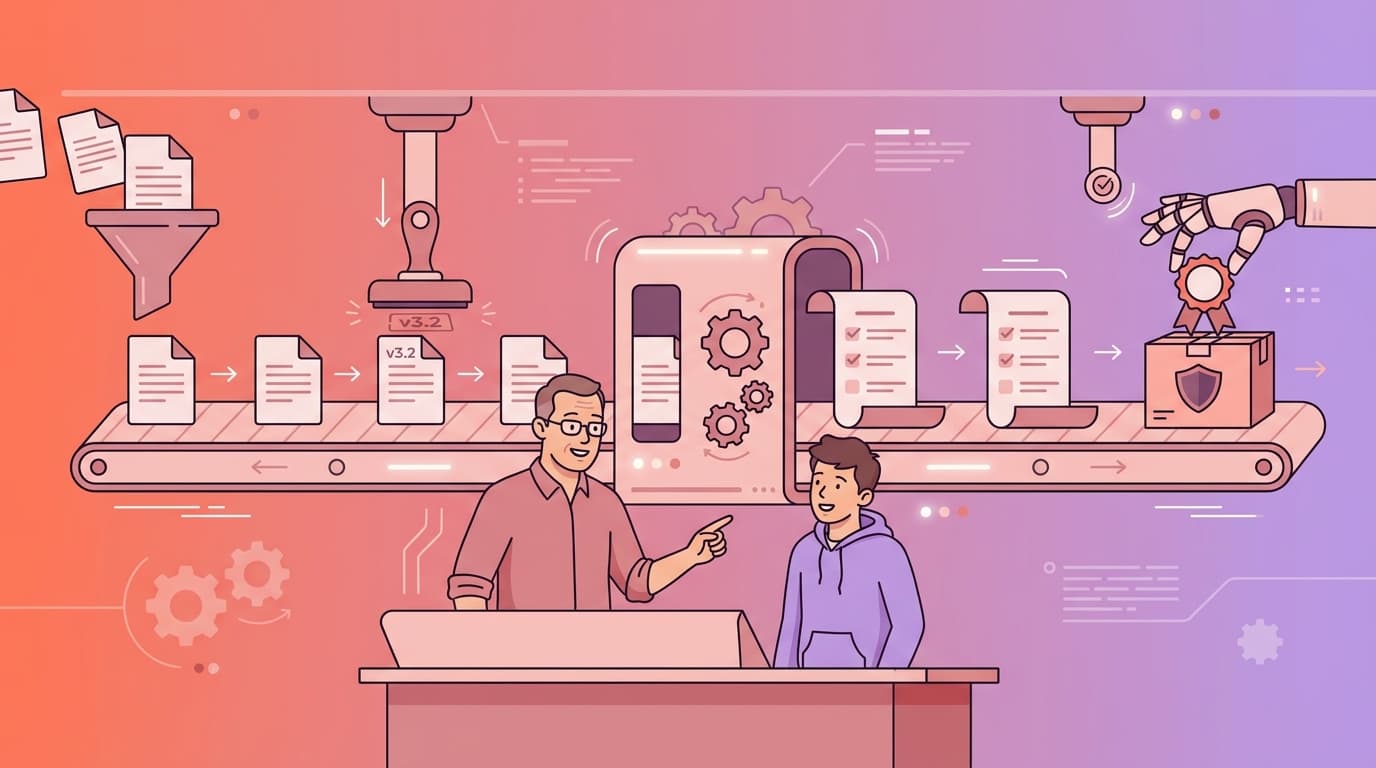
Here's the practice pattern that ties all roles together. It's deceptively simple:
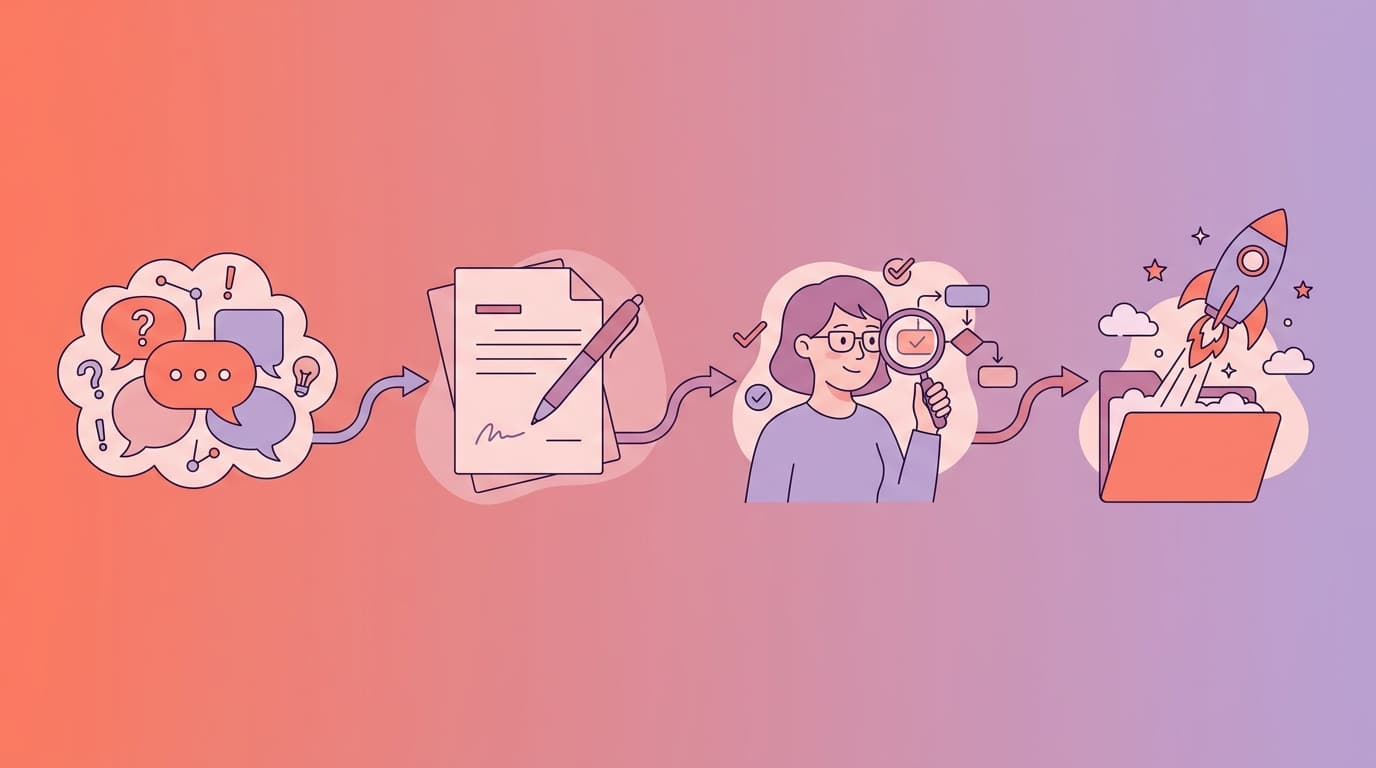
Explore — Chat freely with AI, brainstorm ideas, discuss approaches. This is the messy, creative phase. Use it to think.
Document — Write the output into a file: brainstorm.md, plan.md, decisions.md. This file becomes your context — your AI's memory.
Validate — Human reviews the document. PM checks the requirements. SA checks the architecture. QA checks the test scenarios. Update the document with corrections.
Execute — Start a fresh AI session. Feed it the document as context. Let it work.
Here's why this matters for tokens and cost: a brainstorming conversation might run to 20,000-50,000 tokens. The resulting plan document? Maybe 3,000-5,000 tokens. When you start a fresh session with the document as context instead of the full chat history, you're spending 60-70% fewer tokens and getting more consistent results because the context is clean, structured, and validated — not a meandering conversation with dead ends and corrections.
This IS context engineering. The file becomes your context. The conversation is just the process of creating the file. Once the file exists, the conversation is disposable.
Handling the Adoption Curve
Let me be direct about something: change management is 60% of this effort. The technology works. The hard part is getting humans to use it.
People move through adoption at different speeds. Some developers will install Superpowers on day one and never look back. Some will resist for months. PMs will be skeptical that AI summaries are trustworthy. QA will (rightly) question whether AI-generated tests are reliable. SAs will worry about losing control of architectural decisions.
The adoption ladder looks like this:
Observe (watch others use it) → Try (experiment with simple, low-risk tasks) → Template (create reusable prompts and context files) → Advocate (help others adopt).
Find 1-2 advocates per role — one developer, one PM, one QA engineer who are willing to try first. Their success stories will do more to drive adoption than any mandate from above.
Frame the whole thing as effectiveness over excellence. Nobody's asking anyone to produce perfect output using AI on day one. The goal is effective output — good enough, faster, consistently improving. Excellence comes later, naturally, as the context flywheel spins and the team's AI proficiency grows.
And never — I repeat, never — frame this as headcount reduction. "AI will replace you" is the fastest way to kill adoption. The message is: "AI amplifies your expertise. Your domain knowledge, judgment, and creativity remain irreplaceable. We're giving you better tools, not replacing you with them."
The Metrics That Actually Matter
When you start tracking context engineering adoption, resist the urge to measure everything. Focus on the signals that tell you if you're heading in the right direction:
For individuals: Time spent on routine tasks (should decrease), time spent on strategic work (should increase), number of reusable templates created (should grow).
For the team: Shared prompt library size, cross-role context contribution (is PM actually updating the project context?), overall acceptance rate of AI output (% merged or used without major rewrite — target 70%+).
For the project: Delivery time on standard features, review cycle duration, defect density post-launch.
The 70/30 target: Over time, you want team members spending roughly 70% of their time on thinking/strategic work and 30% on execution — a flip from the traditional 30/70 split. That's the measurable signal that context engineering is working.
We've covered the solo setup and the team expansion. Now you're probably wondering: "Cool, but which framework do I actually use? There are like 6 different ones." Fair question. Let's go tool shopping.
Next up: Part 4 — The Tools Behind Every AI Workflow That Actually Works — a practical, opinionated comparison of OpenSpec, Spec-Kit, BMAD Method, and Superpowers, plus the AI-powered IDEs that run them.
This is Part 3 of the "Context Engineering in 2026" series. Read Part 1 → | Read Part 2 →