Your AI Just Introduced a CVE And Nobody Noticed
An AI wrote 200 lines of auth code in 45 seconds. Three weeks later, the security audit found a deprecated library, a race condition, and tokens stored in localStorage...
Part 5 of 6 in the "Context Engineering in 2026" series
Let me paint a picture that might feel familiar. A developer opens their AI IDE. Types "build a user authentication system with JWT tokens." The AI writes 200 lines of code in 45 seconds. The developer scans it, thinks "looks right," commits, pushes, and moves on.
Three weeks later, a security audit reveals the JWT implementation uses a deprecated library with a known CVE. The token expiration logic has a race condition. The password hashing uses bcrypt with a cost factor of 4 (should be at least 12). And the refresh token is stored in localStorage — a textbook XSS attack vector.
None of this was malicious. The AI generated perfectly functional code that happened to be a security incident waiting to happen. Because nobody brainstormed the security requirements, nobody planned the implementation approach, nobody validated the output against known vulnerabilities, and nobody checked the dependencies.
This is the "vibe coding to production vulnerability" pipeline. And it's happening right now, at scale, across thousands of teams who are excited about AI-generated code but haven't built the workflow to make it production-grade.
The Workflow That Actually Works
Anthropic's engineering team published a detailed guide on effective context engineering for AI agents, and one principle stands out above all others: agents perform best when they work through structured phases rather than doing everything at once. The context at each phase should be curated for that specific phase's needs — not dumped wholesale.
This maps directly to a development lifecycle that most experienced engineers will recognize, but that AI-assisted workflows tend to skip:
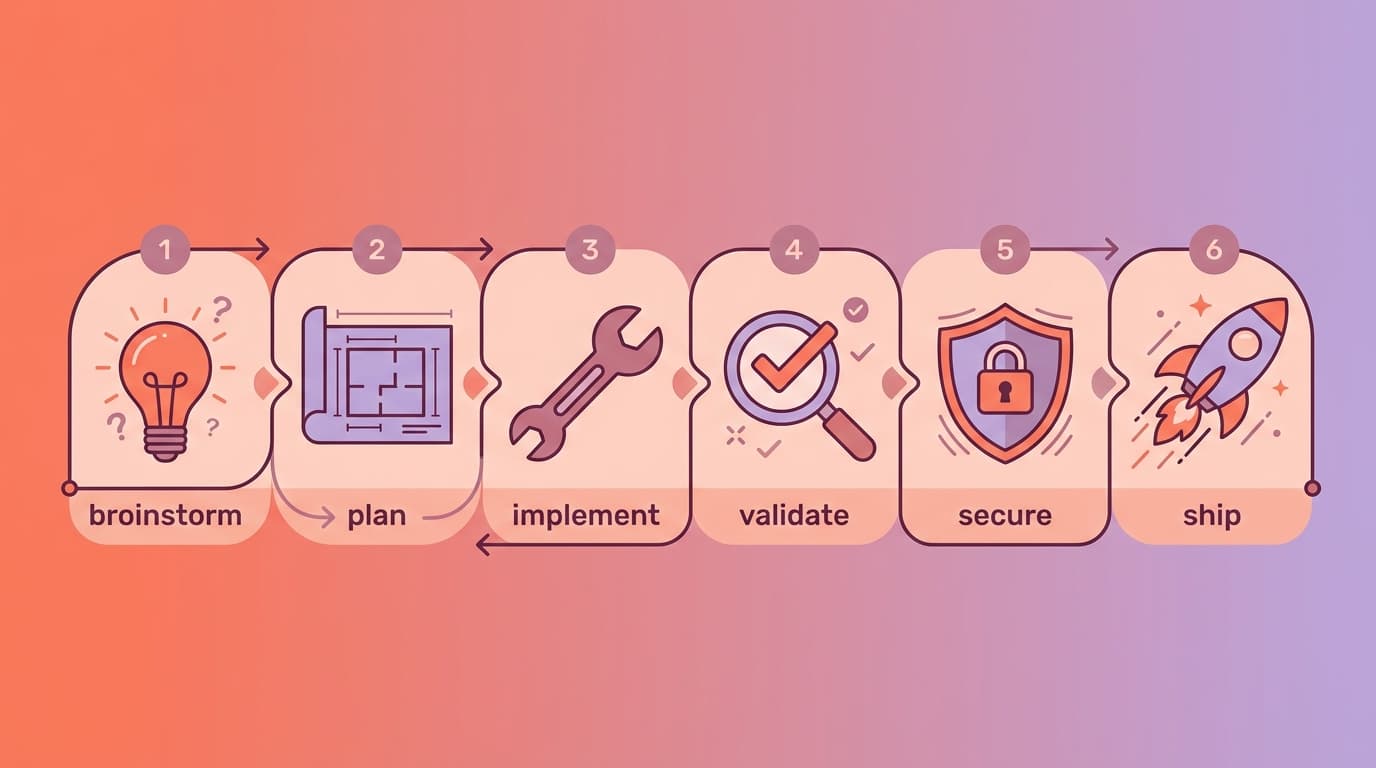
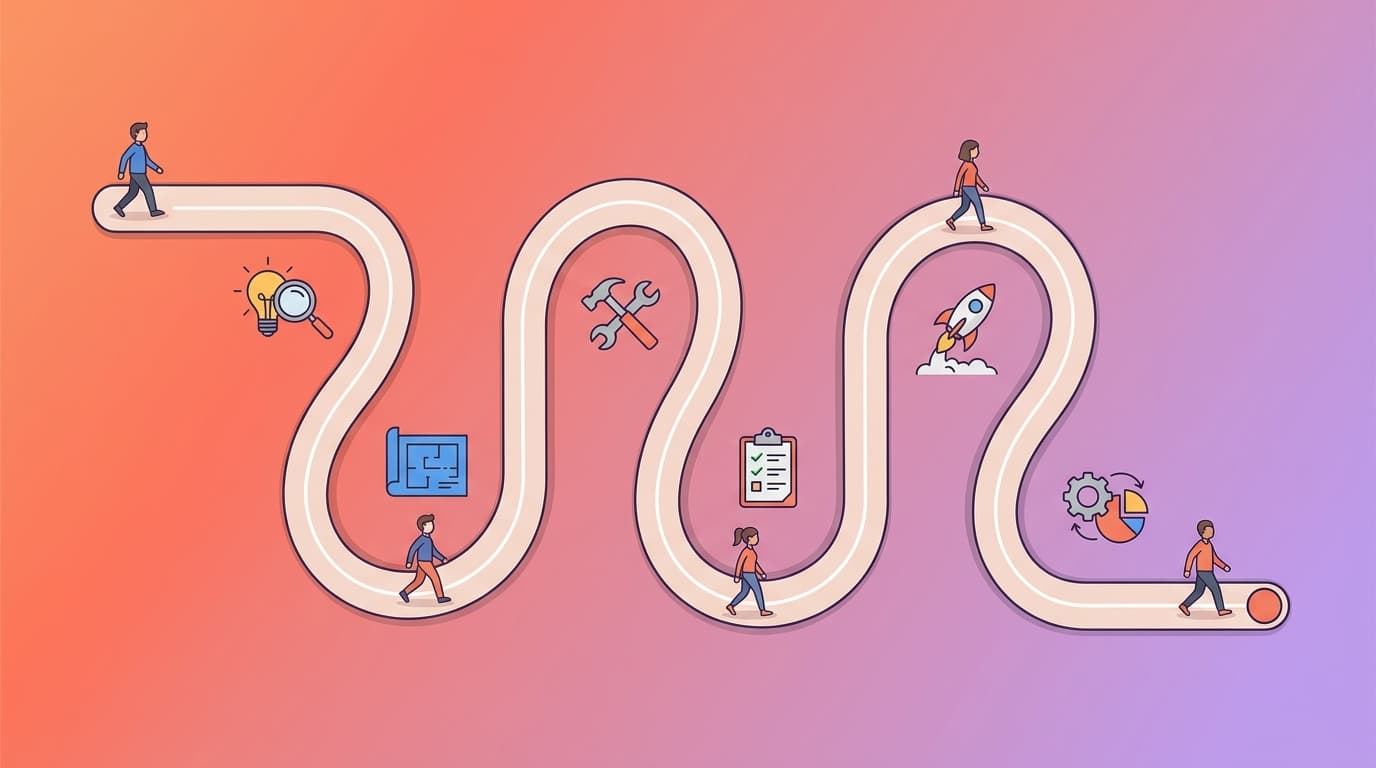
Brainstorm → Plan → Implement → Validate → Secure → ShipEach phase has a specific purpose, a specific context need, and a specific output. Let's walk through each one and talk about what context engineering means at every step.
Phase 1: Brainstorm (Most Important!)
The single most impactful thing you can do to improve your AI-assisted development is to stop jumping straight into code. Brainstorm first. Always.
This isn't a suggestion — it's the core philosophy behind Superpowers' explosive growth (134K stars). The framework's brainstorming skill activates automatically when it detects you're starting something new. It asks clarifying questions. It explores alternatives you haven't considered. It identifies edge cases. It presents a design document in digestible chunks for your validation.
The brainstorming phase isn't about writing code. It's about defining what the code should do, what it shouldn't do, and why. The output is a document — a brainstorm.md or design.md — that becomes the context for everything that follows.
Here's the critical insight from the artifact-driven workflow: the brainstorming conversation is disposable. The document it produces is the asset. A brainstorming chat might run to 20,000-50,000 tokens. The resulting design document? Maybe 3,000-5,000 tokens. When you start a fresh implementation session with the document as context instead of the full conversation history, you're spending 60-70% fewer tokens and getting more consistent results.
What a good brainstorm document captures:
- The problem statement — What are we solving and for whom?
- Accepted approach — What solution did we choose and why?
- Rejected alternatives — What did we consider and discard? (This prevents the AI from suggesting the same rejected approaches in future sessions.)
- Constraints — Performance requirements, security requirements, compatibility requirements.
- Edge cases identified — The weird stuff that will definitely happen in production.
Teams using ClaudeKit can leverage the Brainstormer agent specifically for this phase — it's designed to challenge assumptions, explore approaches, and debate decisions before any implementation begins. The Planner agent then takes the brainstorm output and creates a structured implementation plan.
Phase 2: Plan (Break It Down Before Building Up)
With a validated design document, the planning phase breaks work into tasks that are small enough to execute reliably. Superpowers defines this beautifully: each task should be 2-5 minutes of work, with exact file paths, complete code expectations, and verification steps.
Why small tasks? Because of how AI context works. Anthropic's guide emphasizes that context rot increases with context size — the more tokens in the window, the more the model's attention gets stretched. A task that requires understanding 50 files simultaneously will produce worse output than a task focused on 3 files. Small tasks mean focused context, which means better output.
The plan becomes a checklist. Each item has:
1/ What to do (specific, not vague)
2/ Which files to touch (exact paths)
3/ How to verify it worked (a test, a check, a validation)
4/ What context the implementing agent needs (only what's relevant to this task — not the entire project)
This is the "just-in-time context" pattern that Anthropic describes: rather than loading everything upfront, the agent maintains lightweight references and pulls specific information as needed. Your plan document serves as the index — each task points to the relevant context files, and the agent loads only what it needs for that step.
Phase 3: Implement
This is where most teams start — and where most context engineering content focuses. Implementation is important, but it's phase 3 of 6, not phase 1.
With a brainstorm document and a plan in hand, implementation becomes dramatically more predictable. The AI isn't improvising. It's executing against a validated spec with focused, task-specific context.
Two key practices during implementation:
Subagent isolation. For multi-step implementations, use subagent-driven development where each task is executed by a worker agent with only the context it needs. The main session stays clean. This is what Superpowers does automatically and what ClaudeKit's team orchestration enables at a higher level (multiple independent Claude Code sessions working in parallel).
Artifact-driven context management. As you implement, create artifacts — not just code, but documentation. What decisions were made? What was the approach? What was tested? These artifacts become the episodic memory of the project. When someone asks "why was the payment module built this way?" six months from now, the answer is in the plan folder, not in someone's chat history that was deleted.
Phase 4: Validate (Tests Are Not Optional)
Superpowers enforces true red/green TDD — write the failing test first, then write the minimal code to make it pass. This isn't just methodology preference; it's a quality gate that prevents the "the code looks right so it probably works" syndrome.
Validation in a context-engineered workflow goes beyond unit tests:
Spec compliance check — Does the implementation match the plan? Does the plan match the design? This is the two-stage review pattern: first check if the code does what it's supposed to (spec compliance), then check if it does it well (code quality).
Context validation — Do the references in your seed files still match reality? Are the functions mentioned in CLAUDE.md still named correctly? Are the architectural patterns described still the ones you actually use? Context rot is real and it's silent — your AI follows stale instructions faithfully, producing code that "looks right" but references things that no longer exist.
Coverage mapping — If your QA team writes test scenarios (as described in Part 3), does every scenario have a corresponding test? The bidirectional QA ↔ Dev feedback loop catches gaps that neither side would find alone.
Phase 5: Secure (The Step Everyone Skips)
This is the phase that makes the difference between "we use AI to write code" and "we ship production-grade software that happens to be AI-assisted." And it's the phase that almost every AI development workflow completely ignores.
When an AI generates code, it makes dependency choices. It picks libraries. It writes configuration. It structures authentication flows. And it does all of this based on training data that may include outdated patterns, deprecated libraries, and approaches with known vulnerabilities.
Dependency Vulnerability Scanning
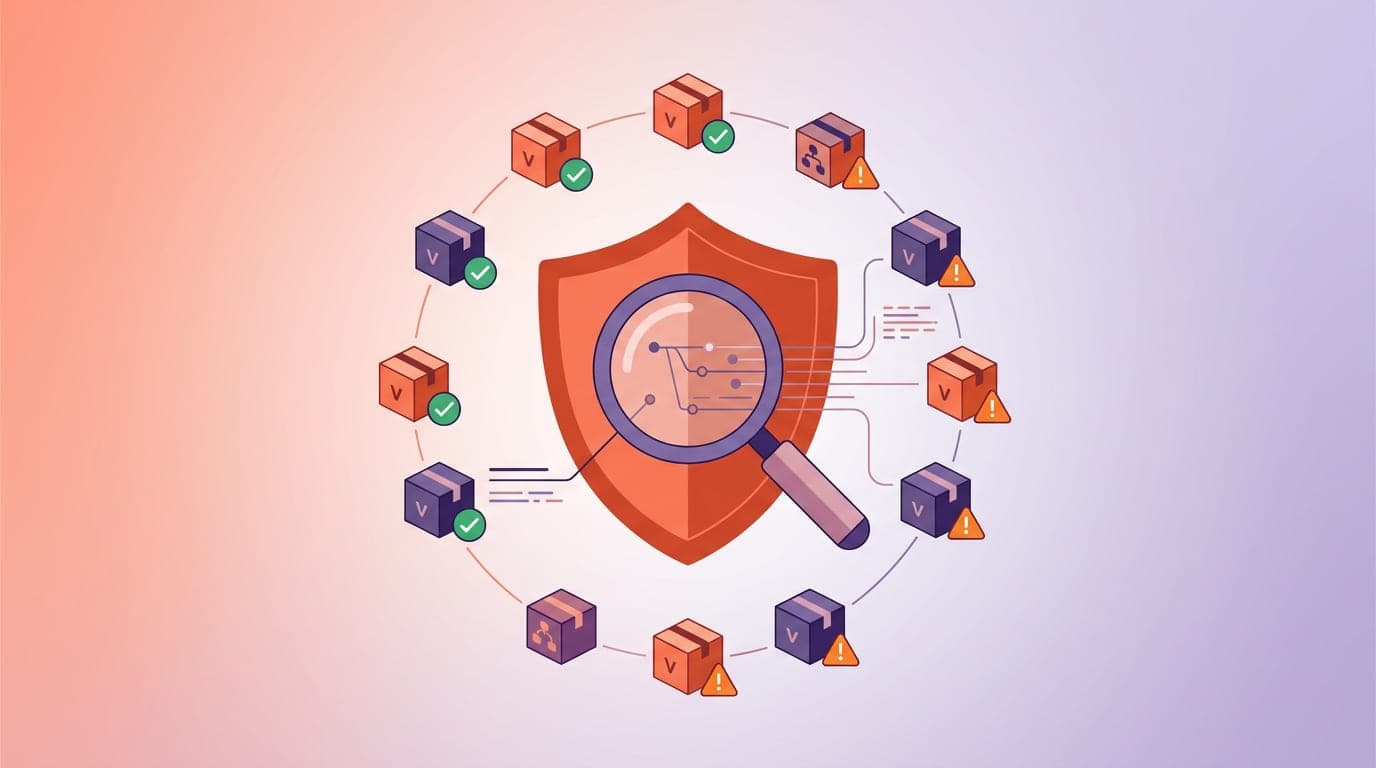
Every AI-generated package.json, requirements.txt, or Gemfile should be scanned before it's committed. Not after. Not during CI. Before.
# Node.js - scan for known vulnerabilities
npm audit

# Python
pip-audit

# Or use a comprehensive tool
snyk test
The reason this is context engineering and not just DevSecOps: your seed file should include security constraints that prevent the AI from introducing vulnerable dependencies in the first place:
## Security Constraints
- NEVER store tokens/secrets in localStorage (use httpOnly cookies)
- NEVER use bcrypt with cost factor below 12
- NEVER commit .env files or API keys
- Always use parameterized queries, never string concatenation for SQL
- Check npm audit / snyk before adding any new dependency
- JWT tokens must expire within 15 minutes; use refresh token rotation
When these constraints live in your CLAUDE.md, the AI is less likely to generate the vulnerable patterns in the first place. It's prevention, not just detection.
Supply Chain Security
AI models are trained on public code, including code that uses compromised packages, typosquatted packages, and packages that have since been taken over by malicious actors. When the AI suggests npm install cool-utils, it has no awareness of whether cool-utils is a legitimate, maintained package or a name-squatting honeypot.
Your workflow should include:
- Lockfile verification — Was the lockfile modified? What packages were added or changed?
- License compliance — Does the AI-suggested dependency have a license compatible with your project? Some AI models cheerfully suggest GPL-licensed packages for proprietary projects.
- Maintenance status — Is the suggested package actively maintained? When was the last release? How many open vulnerabilities?
Tools like Snyk, Socket.dev, and GitHub's own Dependabot can automate these checks. But the context engineering insight is: add your approved dependency list to your seed file so the AI suggests from your pre-vetted list first, and flags when it wants to introduce something new.
## Approved Dependencies
- HTTP client: axios (not got, not node-fetch, not request)
- Date handling: date-fns (not moment, not dayjs)
- Validation: zod (not yup, not joi)
- ORM: drizzle-orm (not typeorm, not prisma for this project)
- If you need a dependency not on this list, ASK first with justification
Code Pattern Security
Beyond dependencies, AI-generated code can contain pattern-level vulnerabilities that pass code review if you're not looking for them:
Injection vulnerabilities — SQL injection, XSS, command injection. AI models generate these surprisingly often, especially when asked to build "quick" solutions.
Authentication/authorization gaps — Missing access checks, overly permissive CORS, token leaks.
Error handling that leaks information — Stack traces in production responses, detailed error messages that reveal infrastructure.
Hardcoded secrets — API keys, database URLs, tokens embedded directly in source files.
ClaudeKit's Code Reviewer agent includes security scanning as part of its review process, and its Git Manager performs security scanning during the commit workflow. Superpowers' two-stage review process also catches security issues at the spec compliance level — if the spec says "use parameterized queries" and the code uses string concatenation, the review catches it.
Monitoring and Observability
The final security layer extends beyond the build: monitor your AI-assisted code in production. AI-generated code may have subtle runtime behaviors that aren't caught by static analysis or tests — race conditions under load, memory leaks in specific execution paths, unhandled edge cases that only appear with real user data.
Your context engineering setup should include observability context:
## Monitoring
- All API endpoints must have structured logging (request ID, user ID, duration)
- Error rates > 1% trigger alerts
- New dependencies must be monitored for CVE disclosures via Dependabot/Snyk
- Performance regression tests run on every deploy
Tying It All Together: The Complete Flow
Here's what the full lifecycle looks like when context engineering is applied at every phase:
## Phase 1: BRAINSTORM
  Context: project-context.md + constitution + user requirements
  Output: design.md (validated by human)
  Tool: Superpowers brainstorming skill / ClaudeKit Brainstormer agent

## Phase 2: PLAN
  Context: design.md + architecture docs + relevant specs
  Output: plan.md (task list with verification steps)
  Tool: Superpowers planning skill / ClaudeKit Planner agent

## Phase 3: IMPLEMENT
  Context: plan.md + task-specific files only (just-in-time loading)
  Output: code + tests (TDD enforced)
  Tool: Superpowers subagent execution / ClaudeKit Fullstack Developer

## Phase 4: VALIDATE
  Context: plan.md + implementation + test scenarios
  Output: coverage report + spec compliance check
  Tool: Superpowers verification / ClaudeKit Tester + Code Reviewer

## Phase 5: SECURE
  Context: security constraints from seed + dependency manifest
  Output: vulnerability scan + dependency audit + security review
  Tool: npm audit / snyk + ClaudeKit Git Manager security scanning

## Phase 6: SHIP
  Context: validated code + security clearance + changelog
  Output: release with full traceability
  Tool: conventional commits + release notes from plan artifacts
Each phase uses only the context it needs. Each phase produces an artifact that feeds the next. Nothing is skipped. Nothing is assumed.
This isn't bureaucracy — it's engineering. The same discipline you'd apply to a bridge or a medical device, applied to the software that handles your users' data, money, and trust. The AI makes each phase faster. The structure makes the AI reliable.
One more post to go. We've covered the workflow — now the question is: how do you PROVE it's working? Not "it feels faster." Not "the vibes are good." Actual metrics. Actual validation. That's harness engineering, and it's how you go from "we use AI" to "we trust AI."
Next up: Part 6 — Harness Engineering: The Discipline After the Hype — the production-grade practices that close the loop.
This is Part 5 of the "Context Engineering for Real Teams" series. Part 1 → | Part 2 → | Part 3 → | Part 4 →